

The Illusion of Encrypted Anonymity
Encryption was supposed to settle the privacy question. Switch every connection to HTTPS, route your traffic through a VPN, and the standard advice held that you'd vanish from view — your data scrambled, your trail erased. For a long stretch, that advice was broadly sound.
Then the web moved on. TLS 1.3 arrived, Encrypted Client Hello tightened things further, and the trackers — rather than fighting the encryption — simply changed the question they were asking. They stopped trying to read what you send. The surveillance economy figured out it doesn't need to decrypt a single byte to know who you are. It only needs to watch how your machine introduces itself.
That shift is the whole story behind JA4 fingerprinting. The JA4+ suite reads the unencrypted scraps of metadata your device emits in the opening milliseconds of a connection — before encryption fully kicks in — and turns your browser's cryptographic habits into a signature that's remarkably hard to fake or shake off.
visibility_off TLS 1.3 Blind Spots
Even with TLS 1.3, the initial handshake remains in plaintext. Observers can catalog supported cipher suites, extensions, and elliptical curves, creating a unique signature for your specific browser and operating system combination before encryption ever begins.
How the TLS Handshake Generates a Network Signature
What makes this technique slippery is where it lives. JA4 fingerprinting happens outside the browser window entirely. No JavaScript runs. No cookie gets set. Nothing touches local storage. It watches the plumbing underneath the page — the routing protocols every secure connection depends on — which is exactly why the tools you'd normally reach for never see it.
Here's the sequence, as it plays out at the network layer.
It starts with the Client Hello packet. Before a website shows you anything, your browser has to negotiate a secure channel, and it opens that negotiation by sending an unencrypted greeting. That greeting spells out the TLS versions your device supports, the cipher suites it prefers, and the cryptographic extensions it understands. It's a necessary first move — the connection can't proceed without it.
Next comes protocol distillation. A tracking server intercepts that greeting and feeds it to the JA4 algorithm, which boils down the precise order of your ciphers, your Application-Layer Protocol Negotiation (ALPN), and your transport protocols into a compact, structured 36-character string. The ordering matters as much as the contents — the sequence in which your device lists its preferences is part of what makes the result distinctive.
leak_add The Metadata Leak
The Client Hello packet broadcasts a wealth of information. The exact ordering of extensions and the specific versions of protocols supported act as a high-fidelity beacon, pinpointing devices with a high degree of entropy.
Then there's the software stack match. Different browsers, operating systems, and anti-detect tools are built on different cryptographic libraries — OpenSSL, Windows SChannel, Mozilla NSS, and others — and each library assembles that Client Hello packet in its own characteristic way. The upshot: your JA4 fingerprint is effectively a signature of the software stack you're running, stamped into every connection you make.
This is where the conventional escape routes fall short. Rotate your IP address as often as you like, clear your cache, stack proxy on proxy — none of it changes the cryptographic library underneath. The library builds the same greeting every time, so a broker spots the matching JA4 signature and quietly reattaches your "anonymous" session to the profile it already holds. And because a TLS handshake is mandatory for browsing the secure web at all, incognito mode and basic ad blockers have no way to suppress the exchange. The greeting has to go out for anything to load.
Technical Strategies for Protocol Isolation
The tempting fix — randomizing your cryptographic parameters to scramble the signature — tends to backfire. JA4 reads the structural reality of your network stack, and a stack that lies about itself usually produces a contradictory or malformed greeting. That either breaks the connection outright or, worse, marks your traffic as anomalous, high-risk bot behavior. You end up more conspicuous, not less.
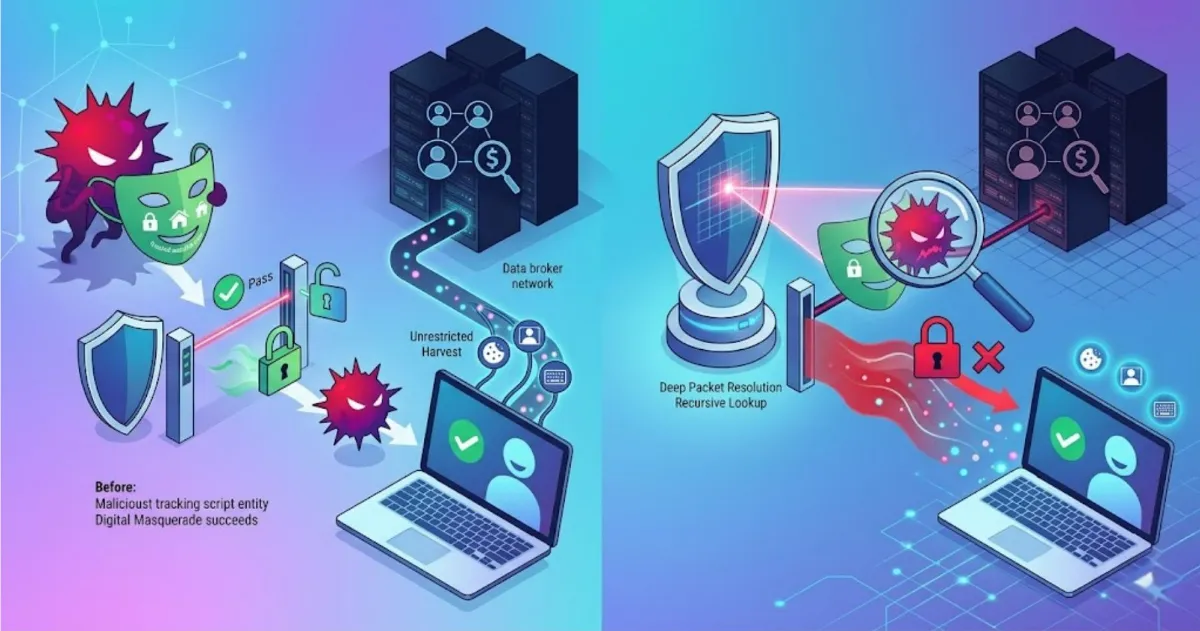
The defense that actually holds works at a different layer: controlling who your device is allowed to handshake with in the first place. The practical approach combines strict traffic routing with the suppression of unverified tracking infrastructure. Specialized filtering utilities can sever connections to the specific third-party analytics nodes and telemetry domains that exist to log these TLS fingerprints. If your device never opens a handshake with the broker's server, the broker never gets a greeting to record — your signature is protected not by disguise, but by simply never reaching the parties trying to catalog it.
Securing Your Workspace with Total Adblock
Keeping a manual blocklist of every analytics node fishing for handshake data isn't realistic — the infrastructure shifts too often and hides too well. The Total Adblock browser extension automates that work. Your TLS handshake is non-negotiable; it has to happen for secure browsing to function at all. But the external databases that catalog your JA4 fingerprint belong to unverified, third-party marketing and telemetry networks — and that dependency is the seam where the technique comes apart.
Total Adblock analyzes structural web routing and cuts outbound connections to known data brokers, invasive analytics platforms, and tracking domains before your browser ever initiates a cryptographic handshake with them. No completed connection means no greeting to intercept and no fingerprint to file away. What's left is a faster, cleaner, more private browsing experience. And if you spend time with streaming media, the extension also intercepts intrusive in-play video ads, keeping playback uninterrupted.
Day to day, it runs quietly in the background, with no tangle of technical settings to wrestle with. Through intuitive presets, you get tailored filtering you can shape around your own privacy priorities, deciding which executable elements are allowed to run. You keep ultimate control over your trusted domains, so the sites you genuinely rely on keep working while the tracking networks lose their line to your handshake.
Encryption did its job — it hid the contents of your traffic. The blind spot was always the introduction your device makes before the encryption locks in. Cutting off the parties listening for that introduction is how you close the last gap JA4 was built to exploit.
